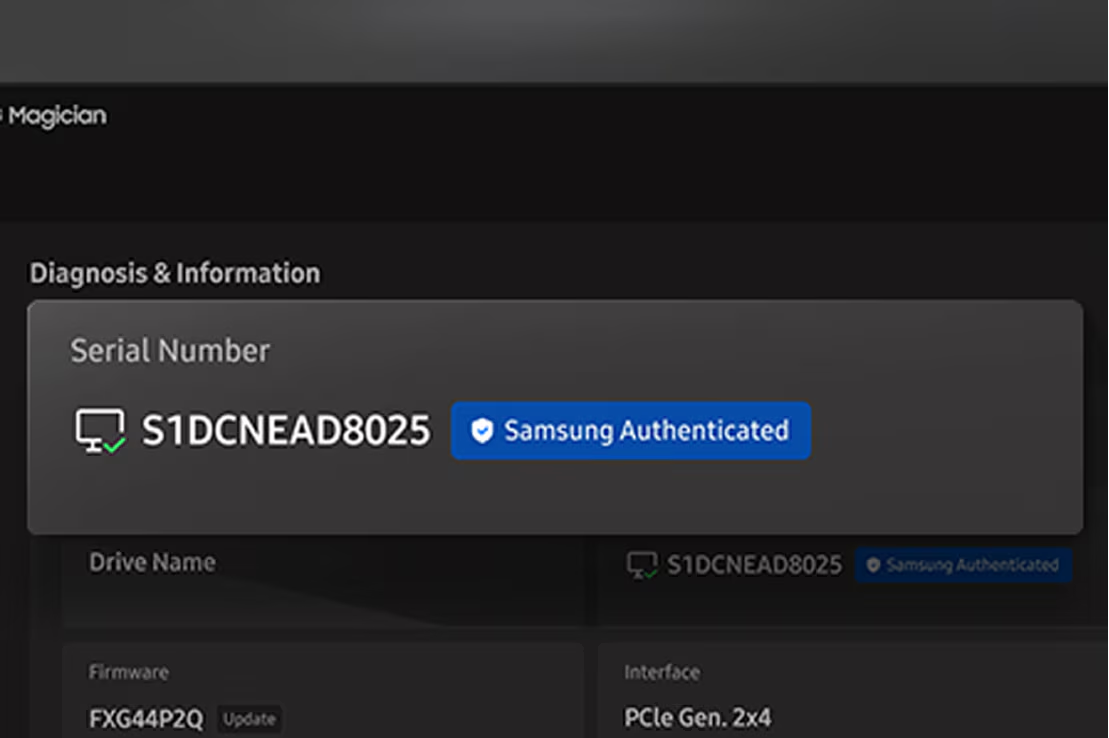
Genuine Authentication
验证三星 SSD 的真伪,以保持性能和系统稳定。一次快速检查即可确认。
*Genuine Authentication 需要互联网连接。

为你已有的硬盘准备的安静控制台。
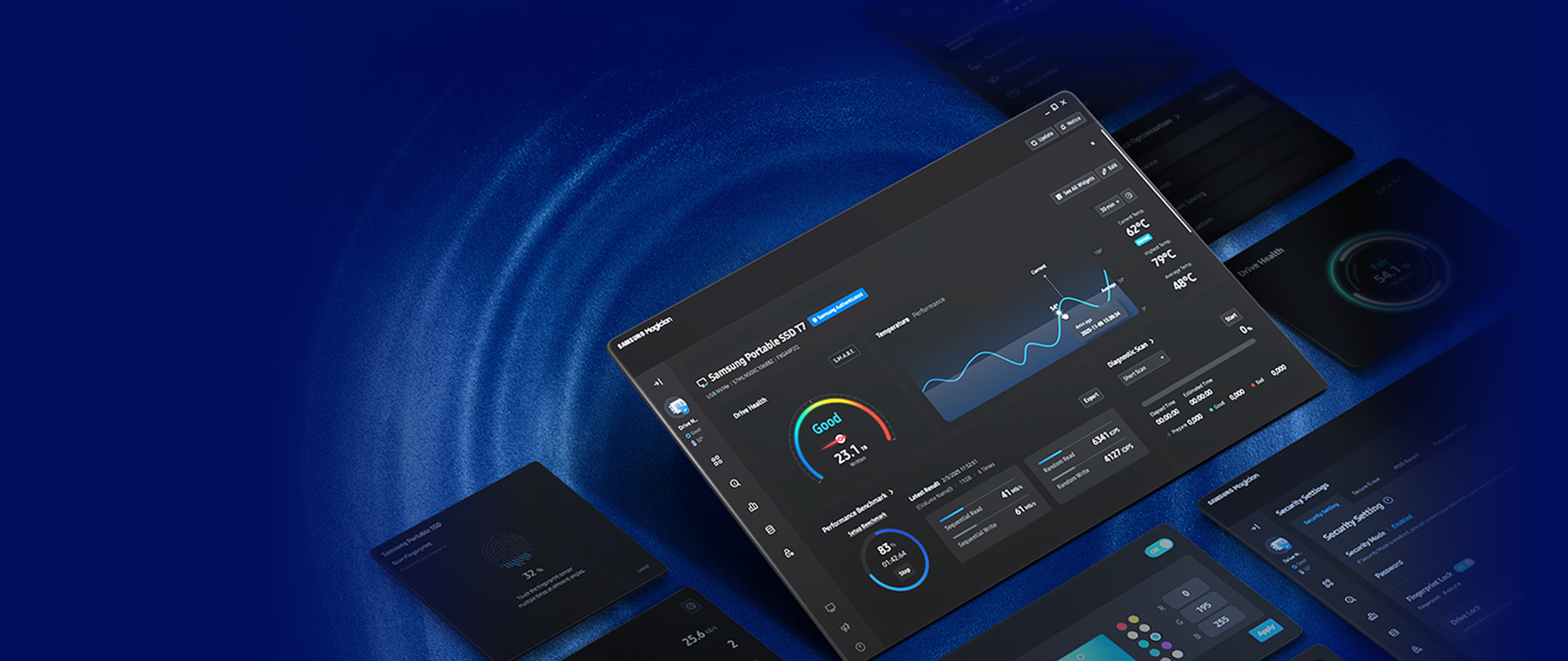
按你的习惯设计硬盘。你可以挑选常用小组件来布置仪表板。

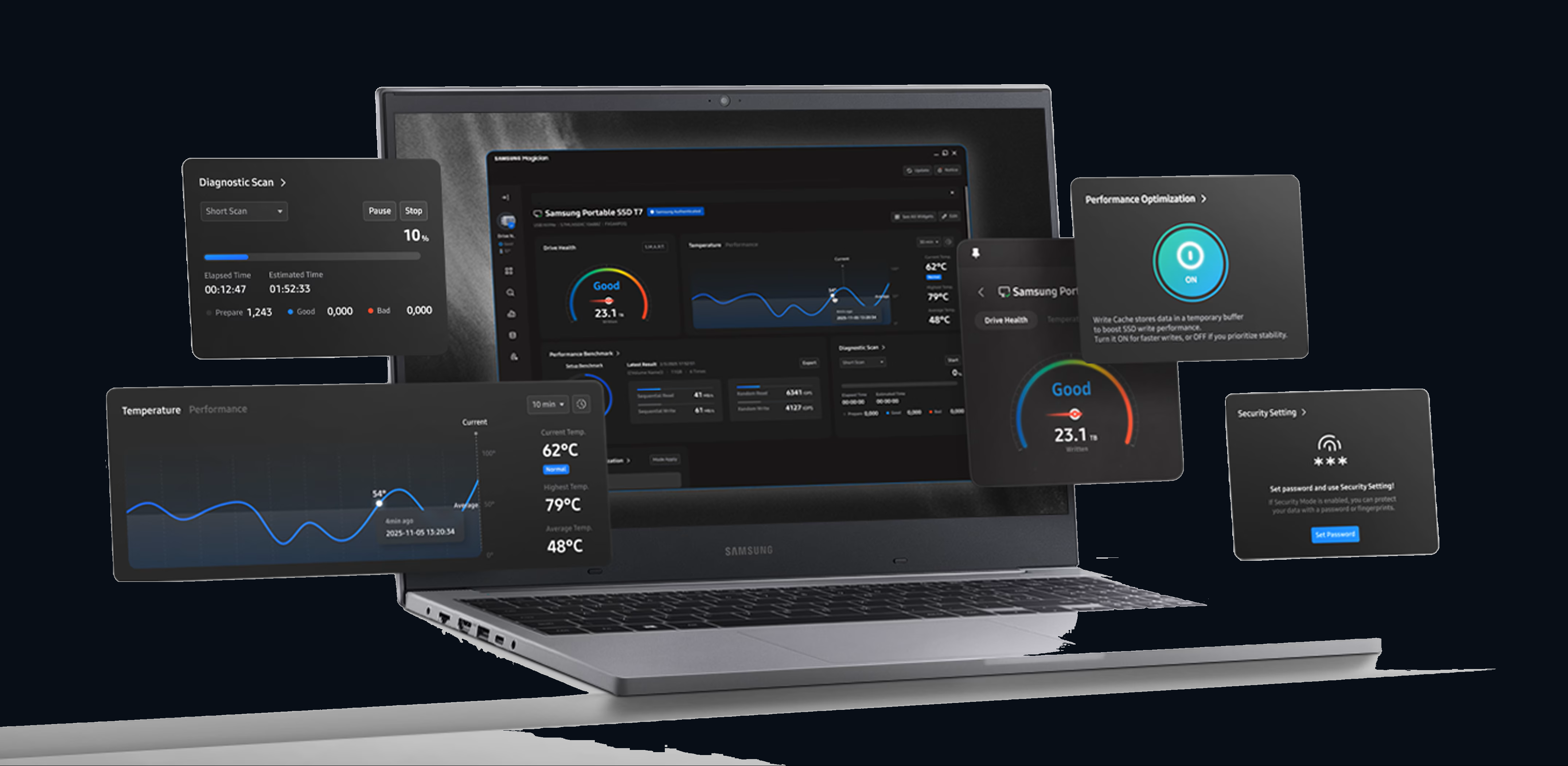
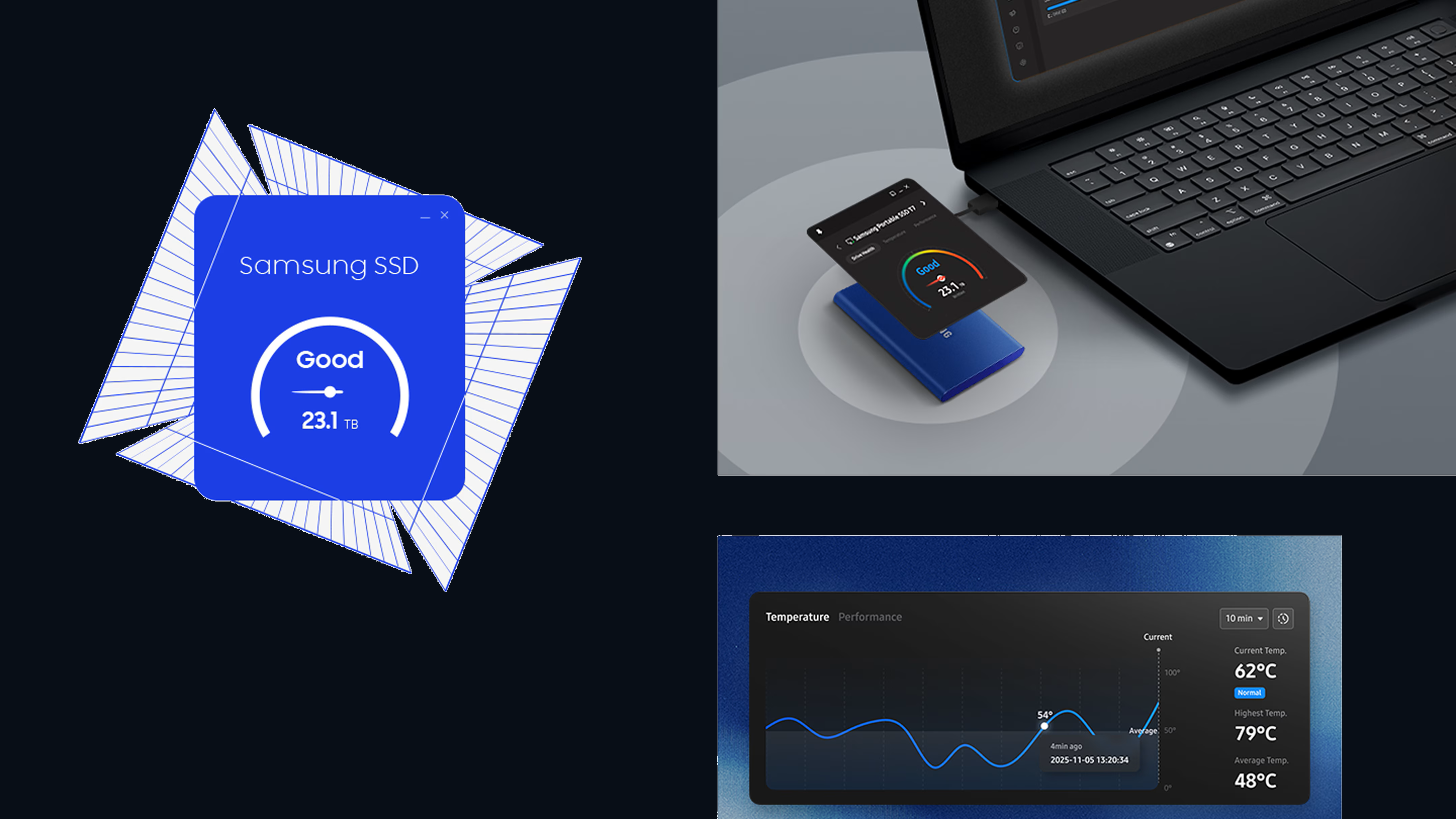
一眼查看 SSD 实时健康状态。一块仪表板就能看清硬盘状态、系统兼容性和更新提醒,并保持性能。
验证三星 SSD 的真伪,以保持性能和系统稳定。一次快速检查即可确认。
*Genuine Authentication 需要互联网连接。
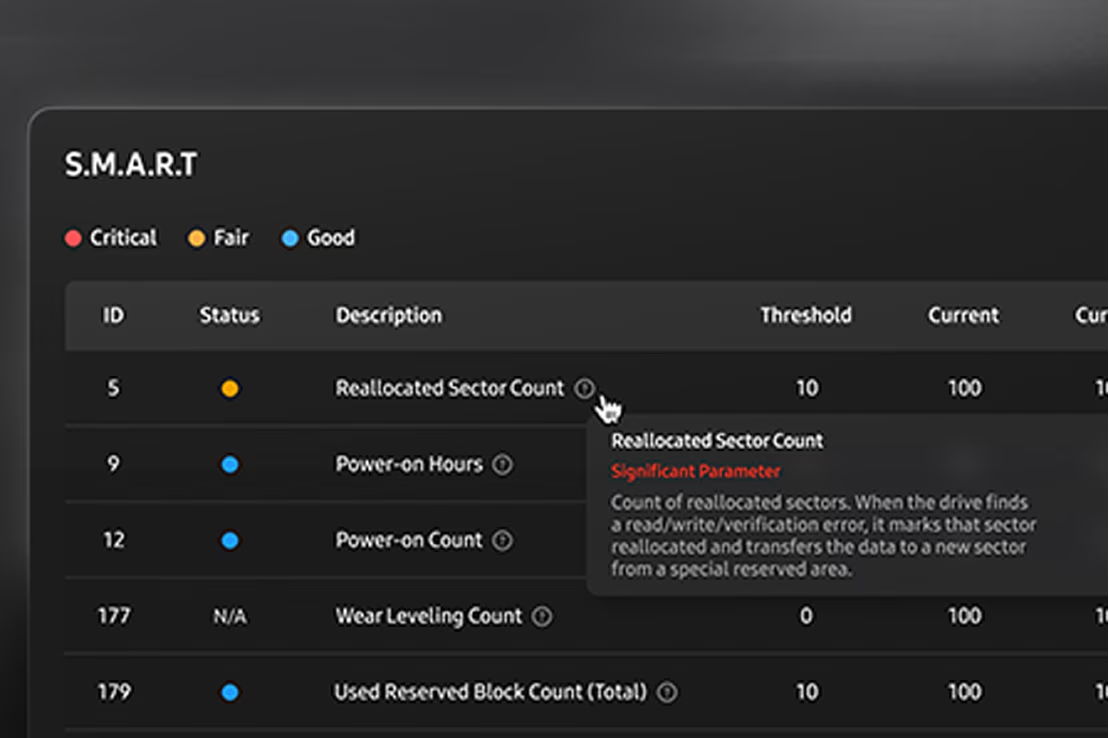
在问题出现前发现迹象。内置诊断读取硬盘健康并发现早期故障迹象。
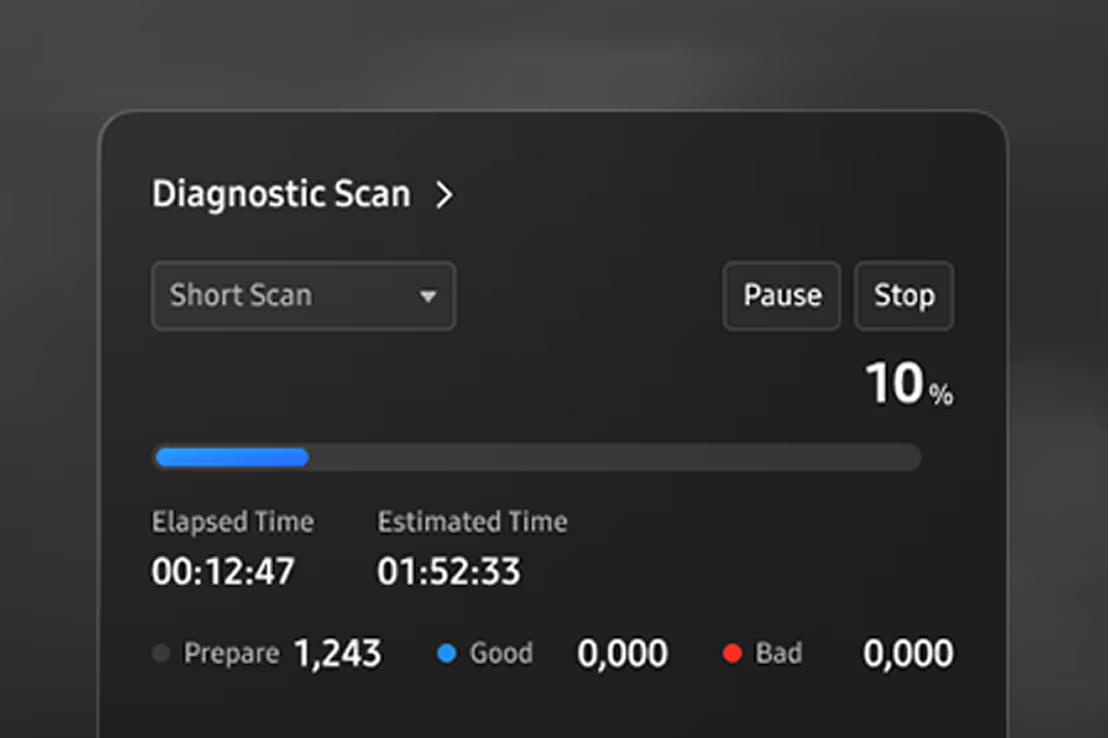
使用 Diagnostic Scan 可以快速测试 SSD 的潜在问题或功能错误。
用 Data Migration 快速开始。把操作系统、应用和文件从当前存储安全地迁到三星硬盘。
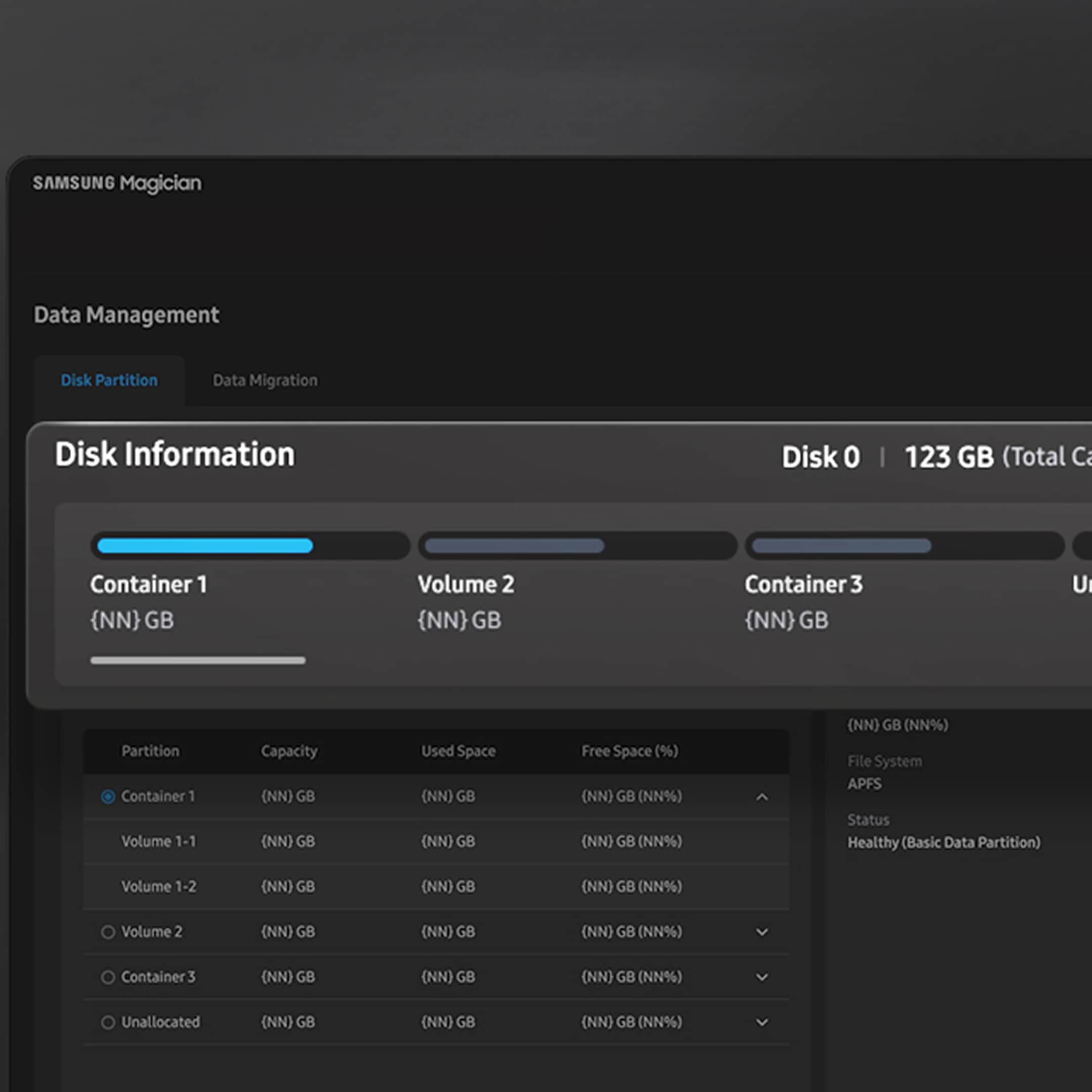
用一块硬盘配合你的工作流。把 SSD 分成彼此独立的区域,便于分开数据、管理和加强安全。
用可调整的 Performance Optimization 按你的方式完成任务。可在全功率和节能模式之间选择,具体选项因型号而异。
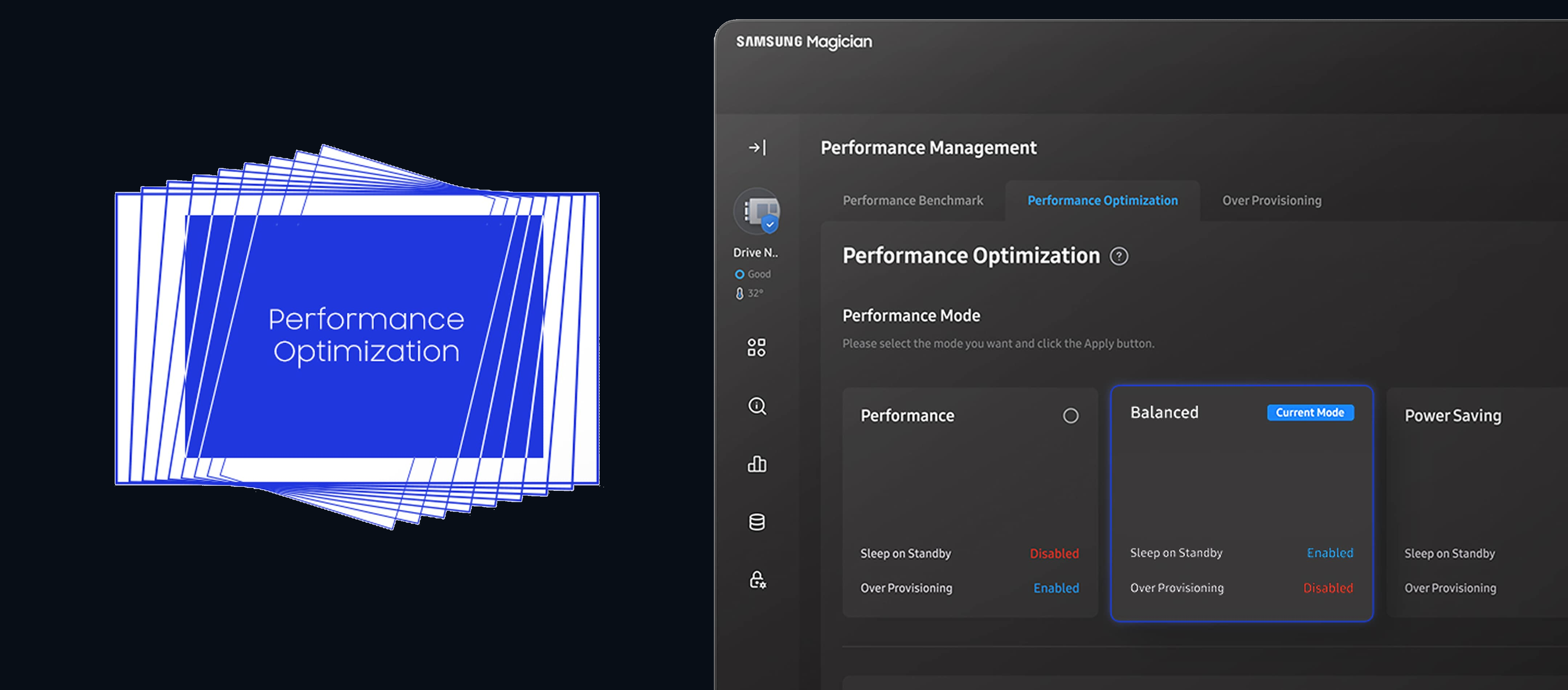
* Available mode options vary depending on the model and type of Samsung SSD. RAPID mode is fully supported only when the system meets its requirements, including Windows 7 or later and 2 GB of RAM or more.
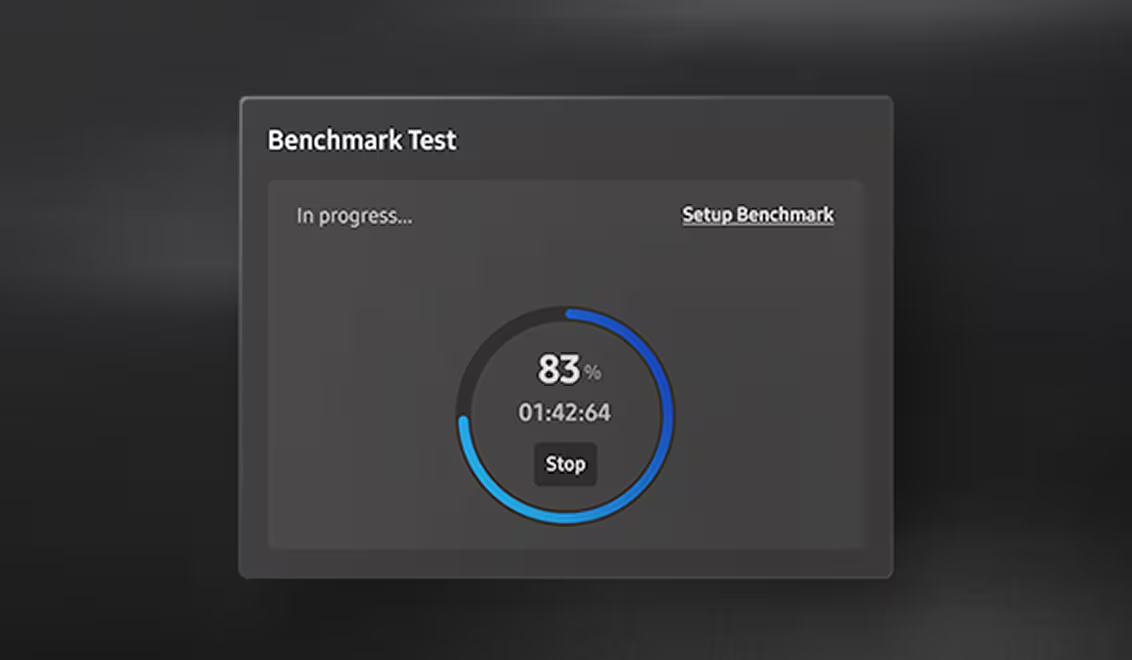
Measure what matters to you with performance tests. See how well your drive is operating with read and write speeds, and customize test conditions such as volume and chunk size.
* Refresh the drive list in System Information before a benchmark or performance optimization on a drive you just attached.
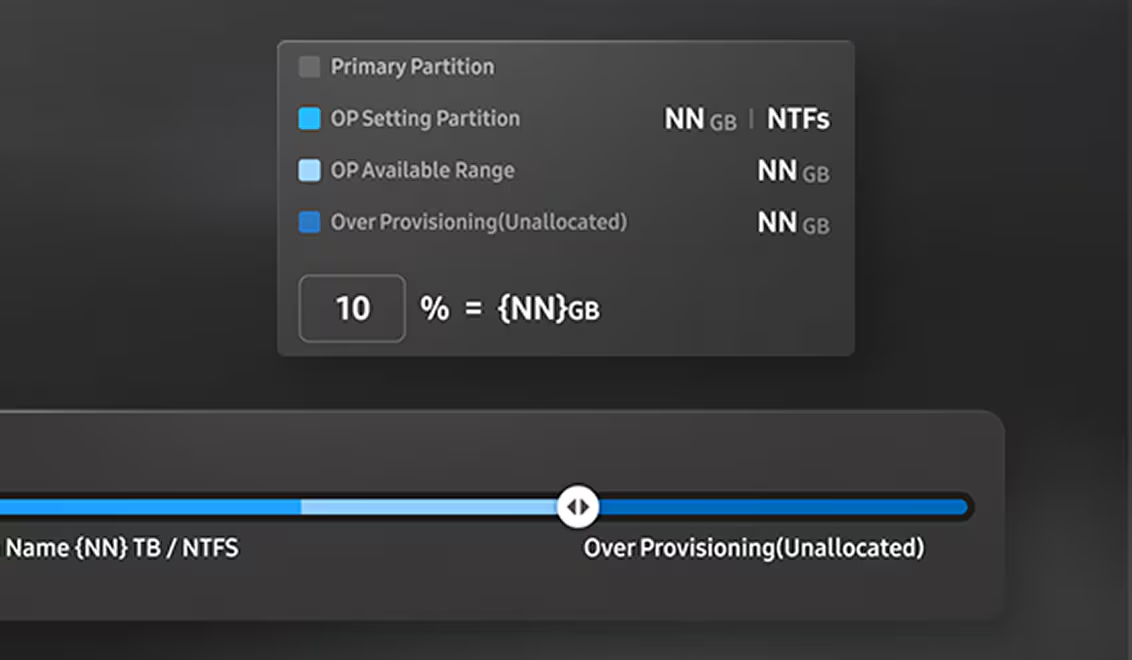
Free up a little space to reap a load of benefits. With Over Provisioning, you can allocate drive space for faster performance and routine maintenance, while extending the overall lifespan of your SSD.
* Over Provisioning is not supported for Windows XP. It can also fail when the disk has cluster misalignment, even if free space remains.
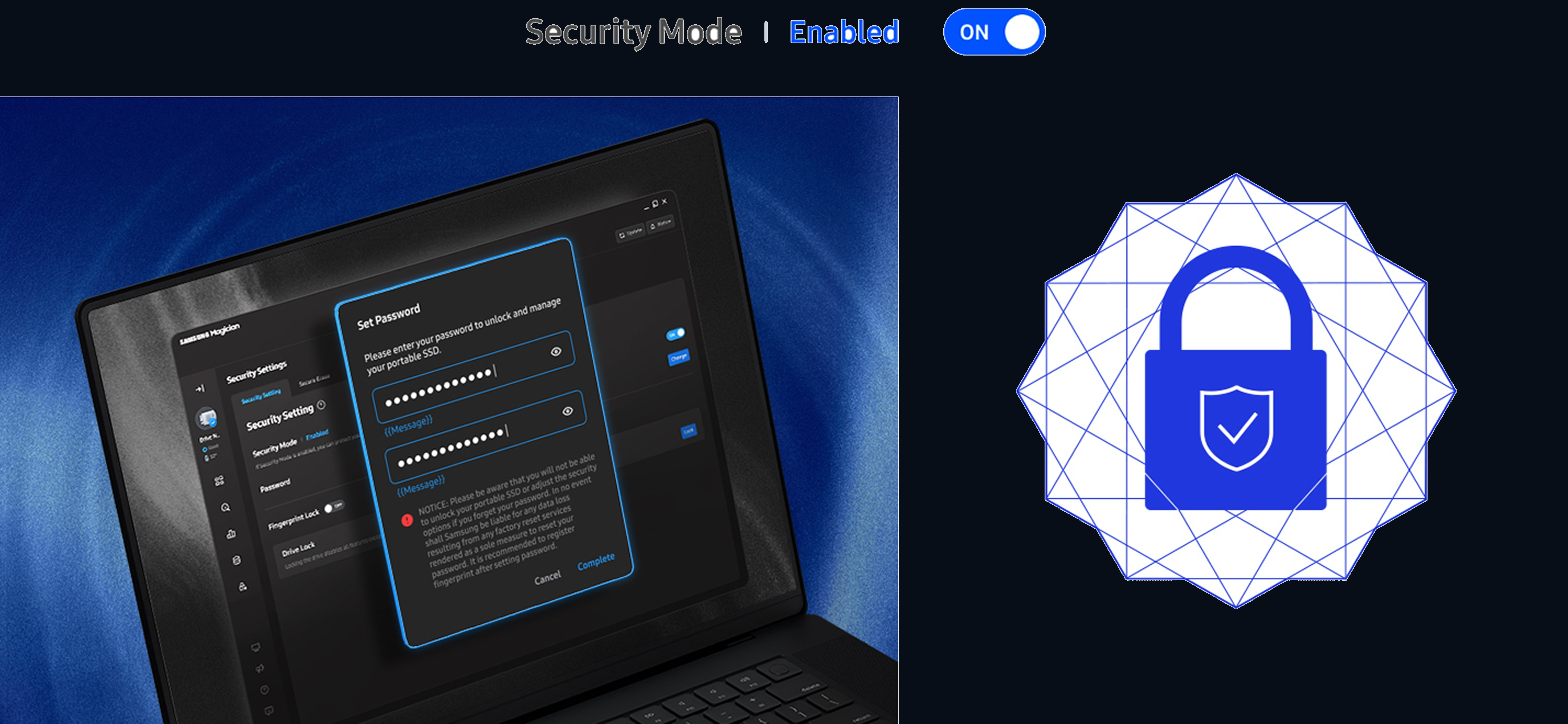
在设置中用密码保护硬盘。只有你可以访问重要内容。
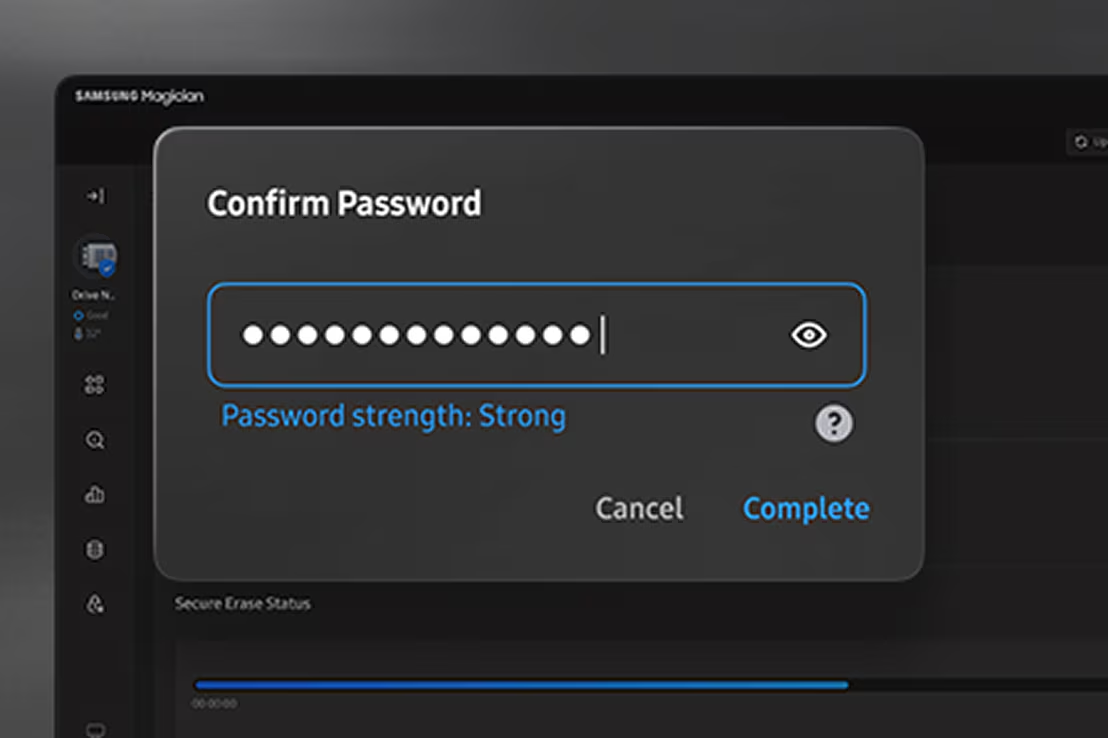
Secure Erase 用于永久清除你决定不要的数据。操作期间不要断开硬盘。
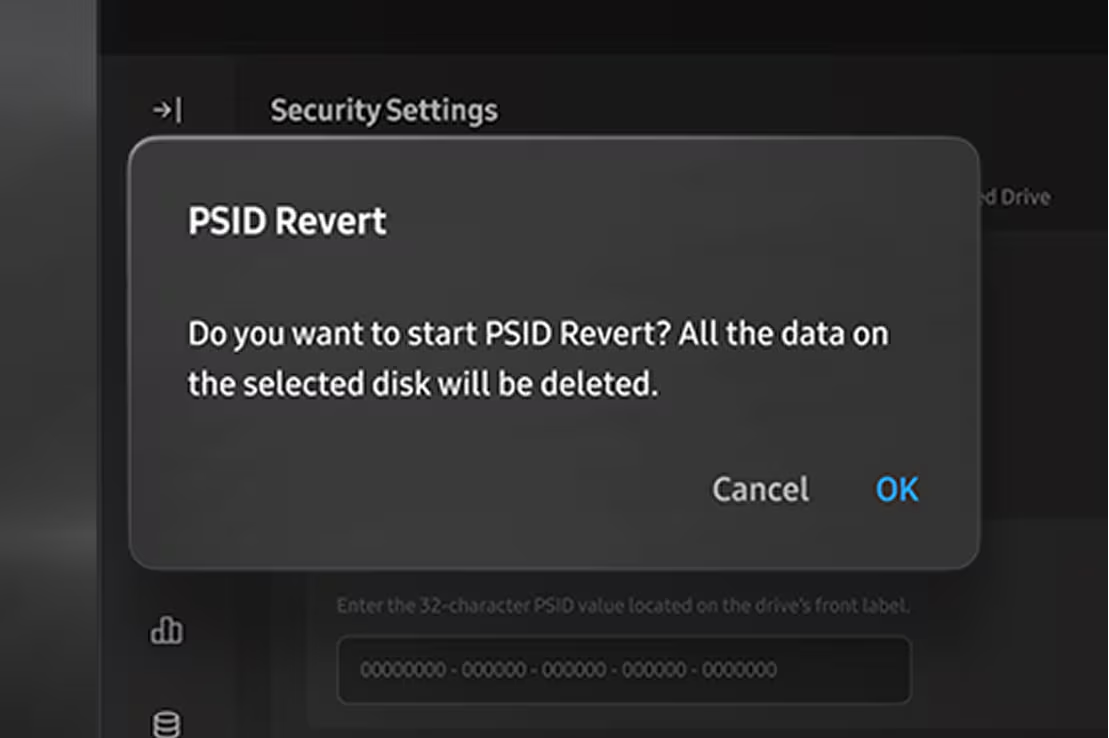
快速重置硬盘。输入标签上的 PSID,然后启动 PSID Revert 以恢复出厂设置。三星说明所选磁盘上的全部数据将被删除。
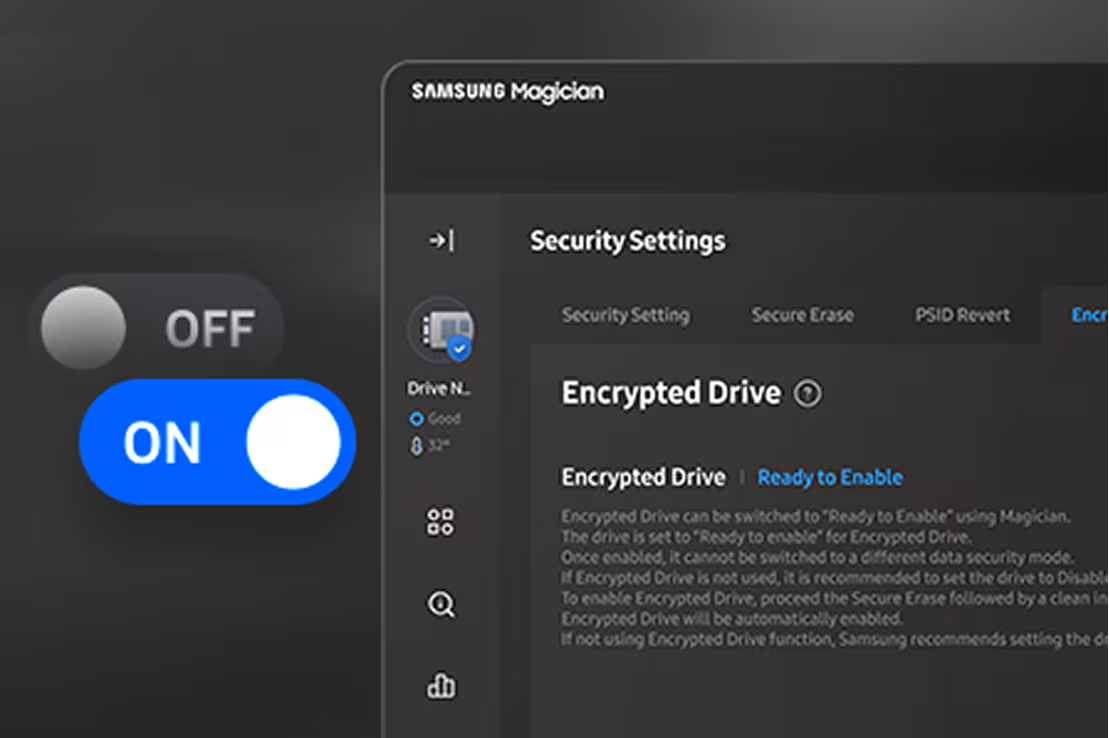
通过加密硬盘保护数据。设置应当快速简单,以便随身携带受保护的硬盘。
* Encrypted Drive 即 BitLocker Drive Encryption,适用于 Windows 8 Pro、Windows 8 Enterprise 及更高版本,包括 Windows Server 2012 各版本。
Magician 软件支持以下三星存储产品。
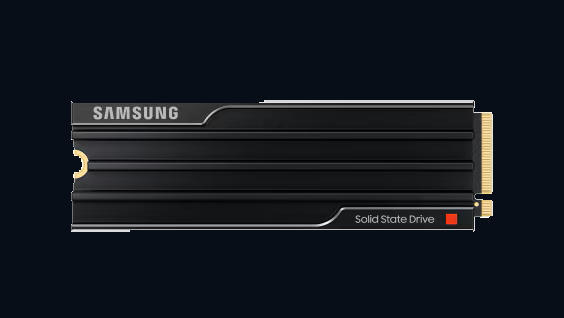
MZ-VAP1T0CW (1TB)
MZ-VAP2T0CW (2TB)
MZ-VAP4T0CW (4TB)
MZ-VAP8T0CW (8TB)
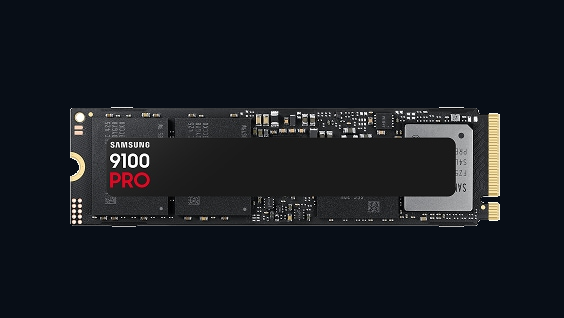
MZ-VAP1T0BW (1TB)
MZ-VAP2T0BW (2TB)
MZ-VAP4T0BW (4TB)
MZ-VAP8T0BW (8TB)
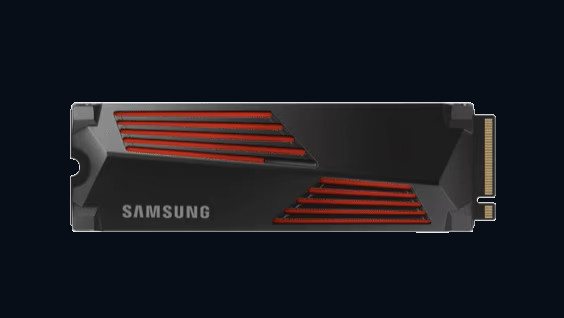
MZ-V9P1T0CW(1TB)
MZ-V9P1T0GW(1TB)
MZ-V9P2T0CW(2TB)
MZ-V9P2T0GW(2TB)
MZ-V9P4T0CW(4TB)
MZ-V9P4T0GW(4TB)
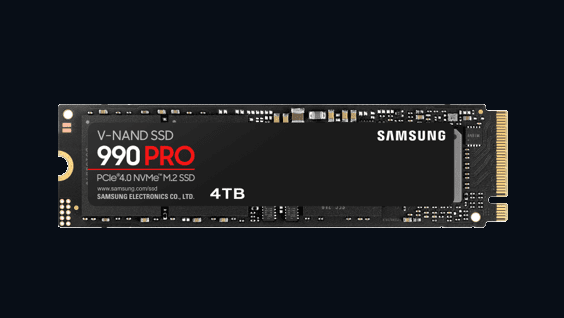
MZ-V9P1T0BW (1TB)
MZ-V9P2T0BW (2TB)
MZ-V9P4T0BW (4TB)
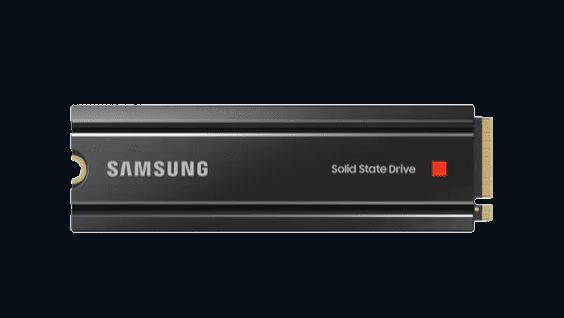
MZ-V8P1T0CW (1TB)
MZ-V8P2T0CW (2TB)
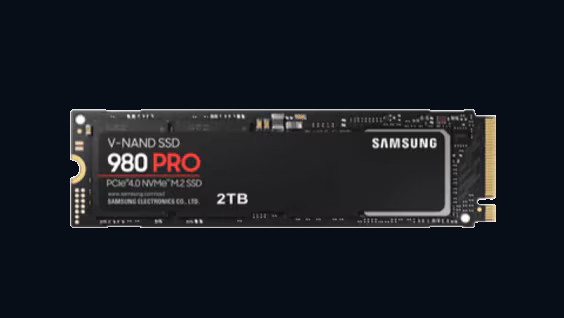
MZ-V8P250BW (250GB)
MZ-V8P500BW (500GB)
MZ-V8P1T0BW (1TB)
MZ-V8P2T0BW (2TB)
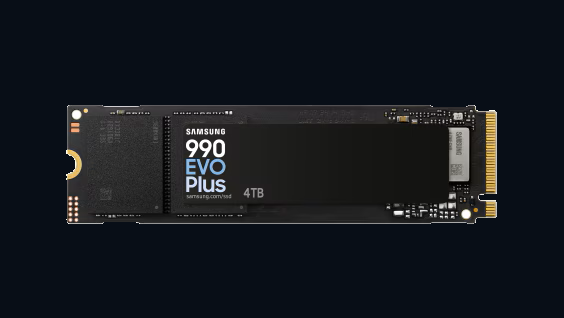
MZ-V9S1T0BW(1TB)
MZ-V9S2T0BW(2TB)
MZ-V9S4T0BW(4TB)
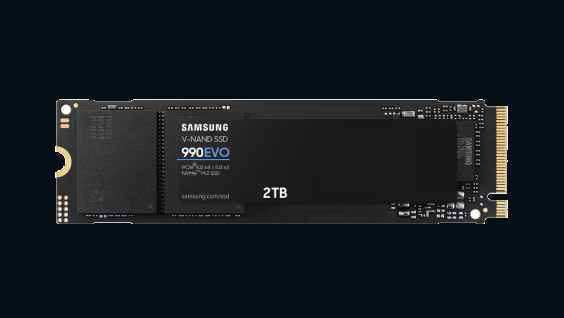
MZ-V9E1T0BW (1TB)
MZ-V9E2T0BW (2TB)
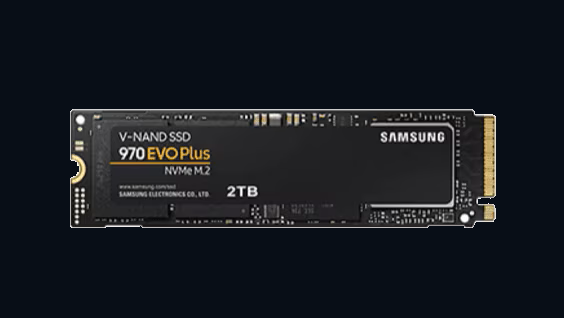
MZ-V7S250BW (250GB)
MZ-V7S500BW (500GB)
MZ-V7S1T0BW (1TB)
MZ-V7S2T0BW (2TB)
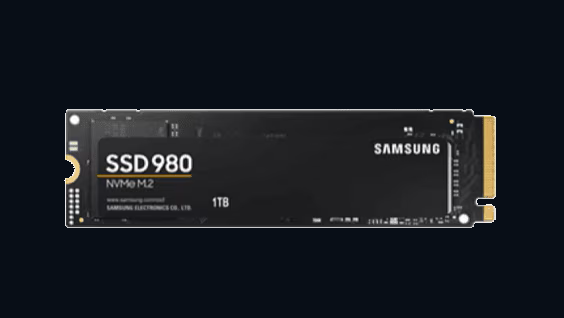
MZ-V8V250BW (250GB)
MZ-V8V500BW (500GB)
MZ-V8V1T0BW (1TB)
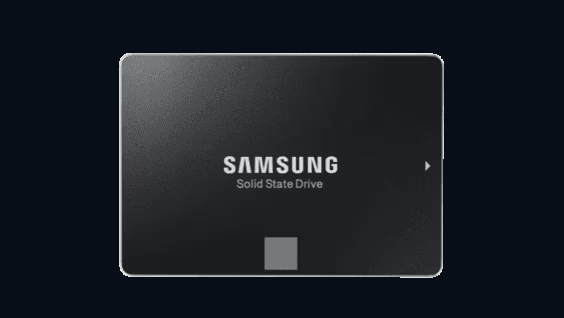
MZ-77E250 (250GB)
MZ-77E500 (500GB)
MZ-77E1T0 (1TB)
MZ-77E2T0 (2TB)
MZ-77E4T0 (4TB)
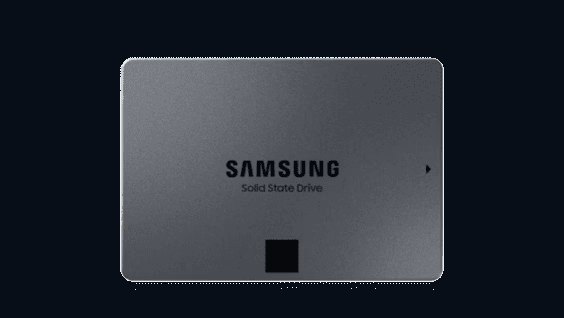
MZ 77Q1T0 (1TB)
MZ 77Q2T0 (2TB)
MZ 77Q4T0 (4TB)
MZ 77Q8T0 (8TB)
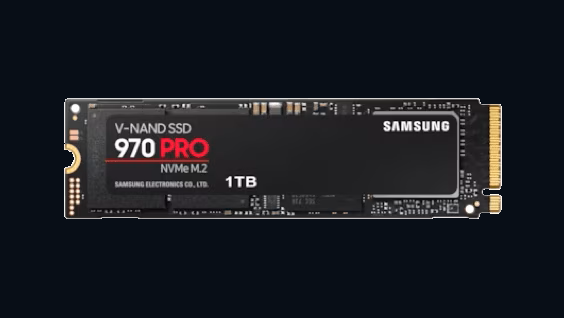
MZ-V7P512BW (512GB)
MZ-V7P1T0BW (1TB)
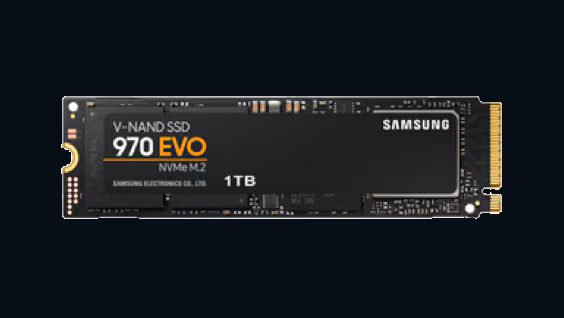
MZ-V7E250BW (250GB)
MZ-V7E500BW (500GB)
MZ-V7E1T0BW (1TB)
MZ-V7E2T0BW (2TB)
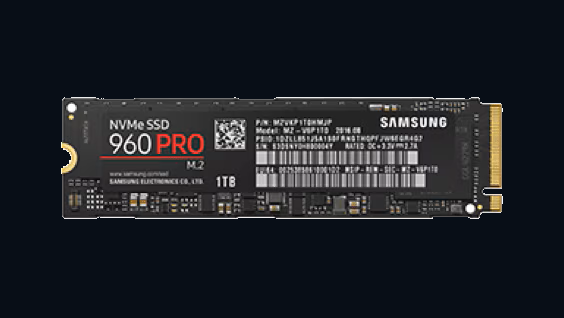
MZ-V6P512BW (512GB)
MZ-V6P1T0BW (1TB)
MZ-V6P2T0BW (2TB)
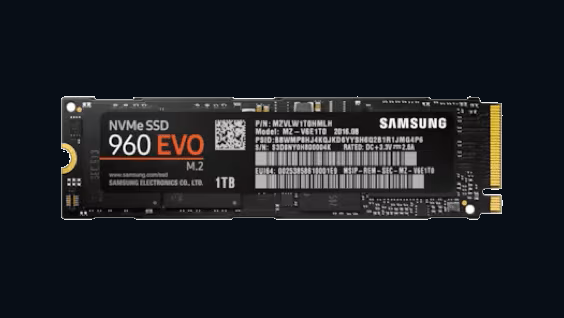
MZ-V6E250BW (250GB)
MZ-V6E500BW (500GB)
MZ-V6E1T0BW (1TB)
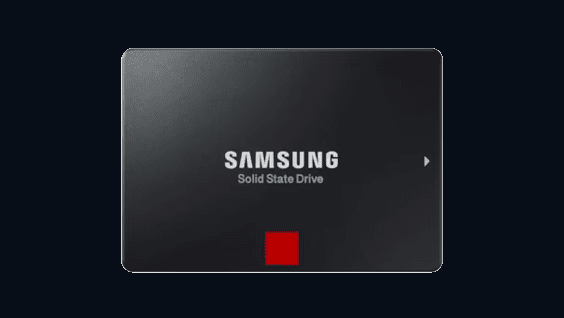
MZ-76P256BW (256GB)
MZ-76P512BW (512GB)
MZ-76P1T0BW (1TB)
MZ-76P2T0BW (2TB)
MZ-76P4T0BW (4TB)
MZ-76E250BW (250GB)
MZ-76E500BW (500GB)
MZ-76E1T0BW (1TB)
MZ-76E2T0BW (2TB)
MZ-76E4T0BW (4TB)
MZ-M6E250BW (250GB)
MZ-M6E500BW (500GB)
MZ-M6E1T0BW (1TB)
MZ-N6E250BW (250GB)
MZ-N6E500BW (500GB)
MZ-N6E1T0BW (1TB)
MZ-N6E2T0BW (2TB)
MZ-76Q1T0BW (1TB)
MZ-76Q2T0BW (2TB)
MZ-76Q4T0BW (4TB)
MZ-75E250 (250GB)
MZ-75E500 (500GB)
MZ-75E1T0 (1TB)
MZ-75E2T0 (2TB)
MZ-75E4T0 (4TB)
MZ-7KE256 (256GB)
MZ-7KE512 (512GB)
MZ-7KE1T0 (1TB)
MZ-7KE2T0 (2TB)
MZ-7KE4T0 (4TB)
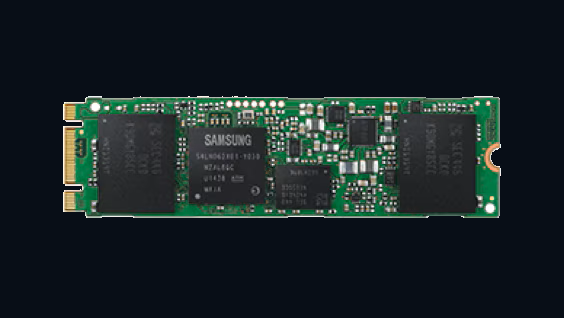
MZ-N5E120 (120GB)
MZ-N5E250 (250GB)
MZ-N5E500 (500GB)
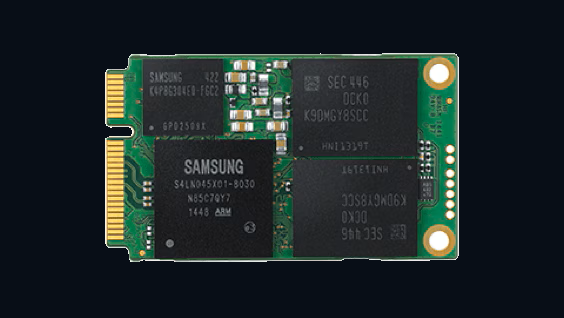
MZ-M5E120 (120GB)
MZ-M5E250 (250GB)
MZ-M5E500 (500GB)
MZ-M5E1T0 (1TB)
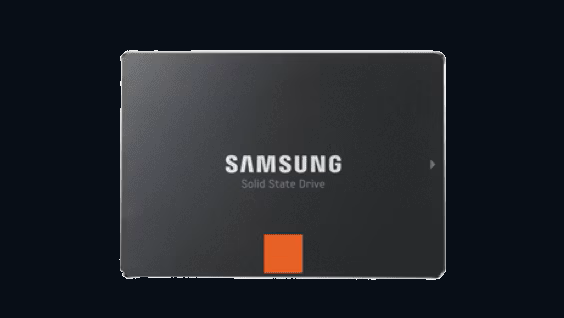
MZ-7PD128 (128GB)
MZ-7PD256 (256GB)
MZ-7PD512 (512GB)
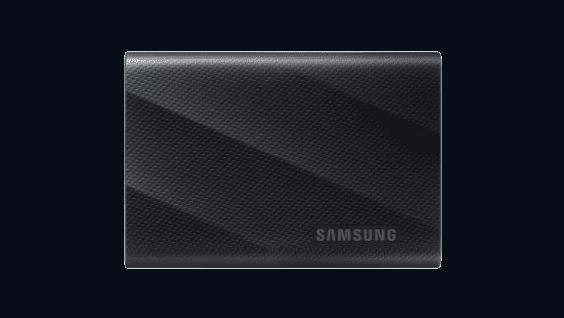
MU-PG1T0B (1TB)
MU-PG2T0B (2TB)
MU-PG4T0B (4TB)
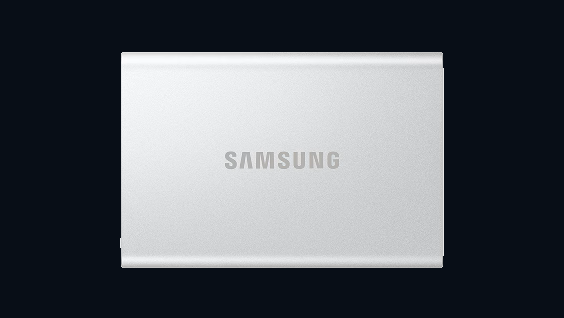
MU-PG1T0 (1TB)
MU-PG2T0 (2TB)
MU-PG4T0 (4TB)
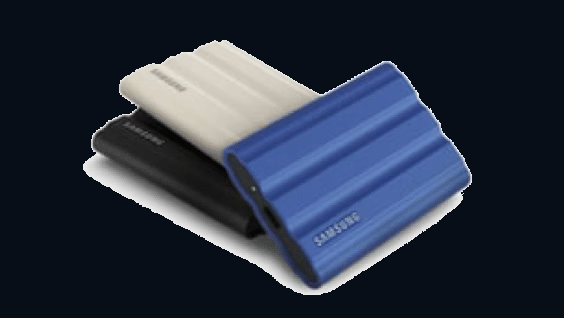
MU-PE1T0K (1TB)
MU-PE1T0R (1TB)
MU-PE1T0S (1TB)
MU-PE2T0K (2TB)
MU-PE2T0R (2TB)
MU-PE2T0S (2TB)
MU-PE4T0K (4TB)
MU-PE4T0R (4TB)
MU-PE4T0S (4TB)
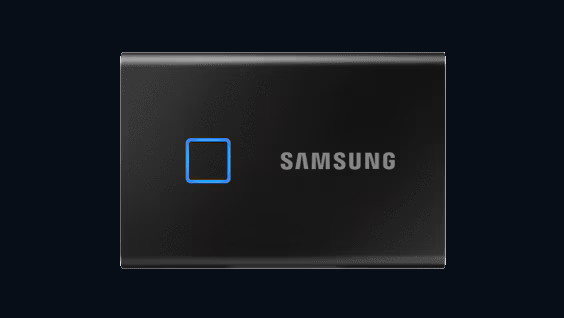
MU-PC500K (500GB)
MU-PC500S (500GB)
MU-PC1T0K (1TB)
MU-PC1T0S (1TB)
MU-PC2T0K (2TB)
MU-PC2T0S (2TB)
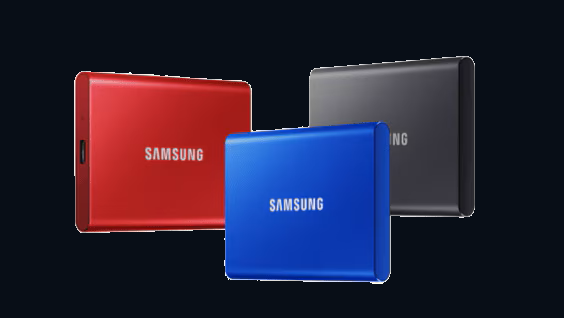
MU-PC500R (500GB)
MU-PC500H (500GB)
MU-PC500T (500GB)
MU-PC1T0R (1TB)
MU-PC1T0H (1TB)
MU-PC1T0T (1TB)
MU-PC2T0R (2TB)
MU-PC2T0H (2TB)
MU-PC2T0T (2TB)
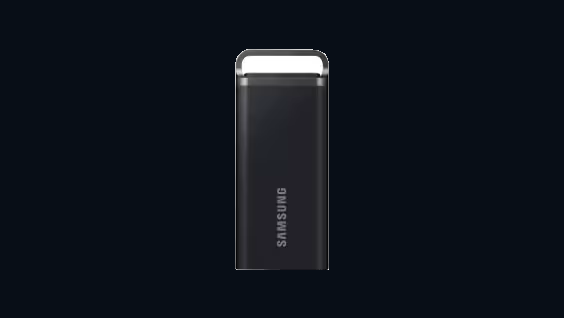
MU-PH2T0S (2TB)
MU-PH4T0S (4TB)
MU-PH8T0S (8TB)
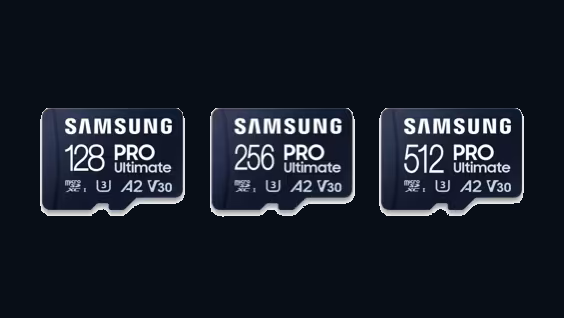
MB-MY128S (128GB)
MB-MY256S (256GB)
MB-MY512S (512GB)
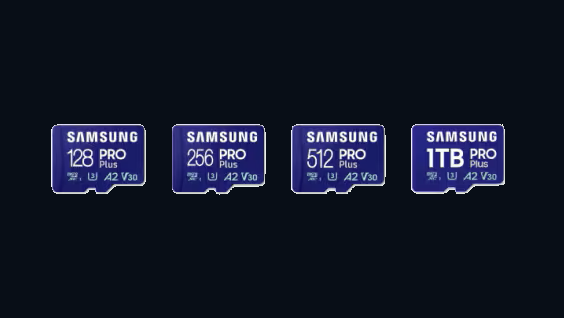
MB-MD128S (128GB)
MB-MD256S (256GB)
MB-MD512S (512GB)
MB-MD1T0S (1TB)
MB-MD128K (128GB)
MB-MD256K (256GB)
MB-MD512K (512GB)
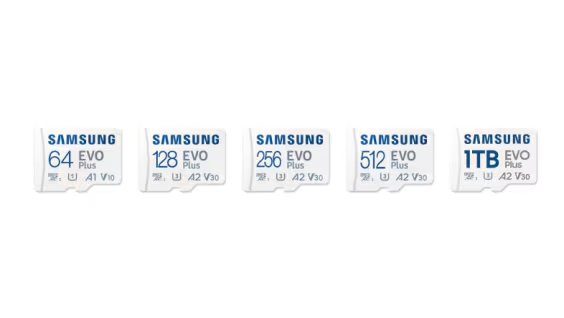
MB-MC64S (64GB)
MB-MC128S (128GB)
MB-MC256S (256GB)
MB-MC512S (512GB)
MB-MC1T0S (1TB)
MB-MC64K (64GB)
MB-MC128K (128GB)
MB-MC256K (256GB)
MB-MC512K (512GB)
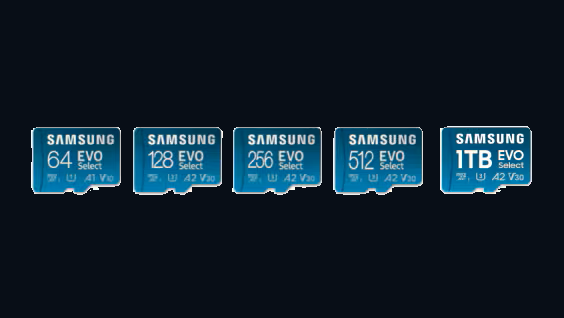
MB-ME64S (64GB)
MB-ME128S (128GB)
MB-ME256S (256GB)
MB-ME512S (512GB)
MB-ME1T0S (1TB)
MB-ME64K (64GB)
MB-ME128K (128GB)
MB-ME256K (256GB)
MB-ME512K (512GB)
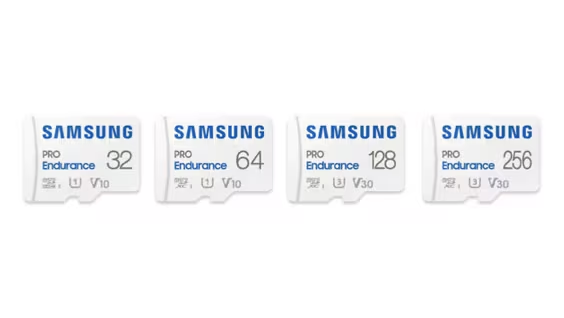
MB-MJ32K (32GB)
MB-MJ64K (64GB)
MB-MJ128K (128GB)
MB-MJ256K (256GB)
MB-MJ32G (32GB)
MB-MJ64G (64GB)
MB-MJ128G (128GB)
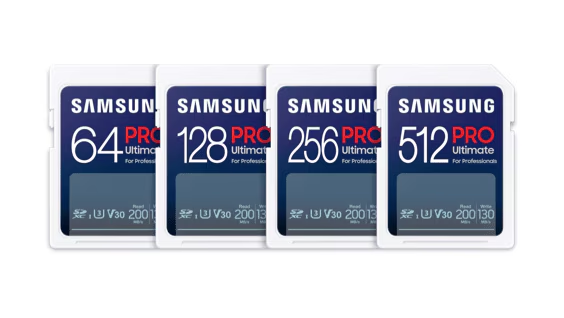
MB-SY64S (64GB)
MB-SY128S (128GB)
MB-SY256S (256GB)
MB-SY512S (512GB)
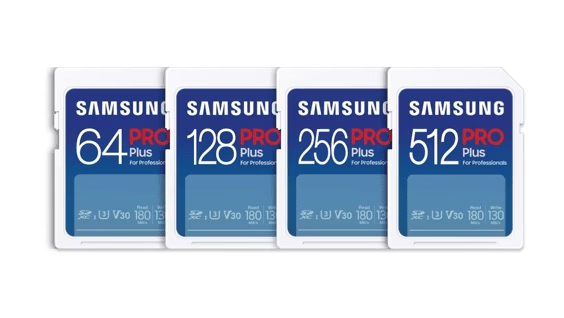
MB-SD64S (64GB)
MB-SD128S (128GB)
MB-SD256S (256GB)
MB-SD512S (512GB)
MB-SD32K (32GB)
MB-SD64K (64GB)
MB-SD128K (128GB)
MB-SD256K (256GB)
MB-SD512K (512GB)
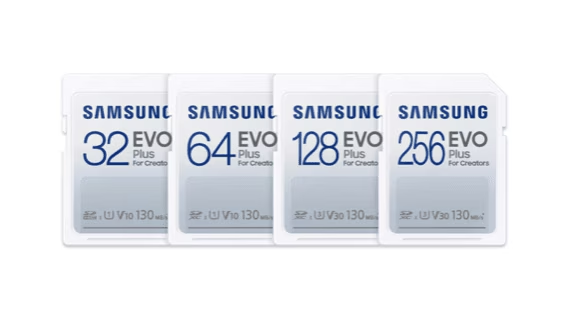
MB-SC32K (32GB)
MB-SC64K (64GB)
MB-SC128K (128GB)
MB-SC256K (256GB)
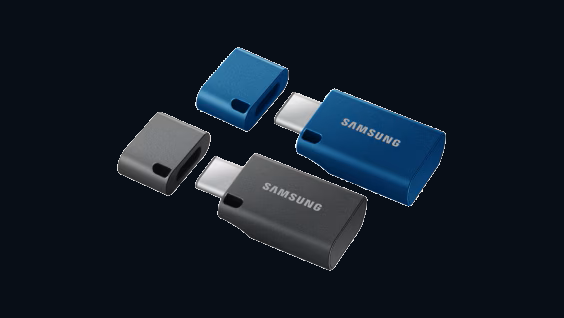
MUF-64DA (64GB)
MUF-128DA (128GB)
MUF-256DA (256GB)
MUF-512DA (512GB)
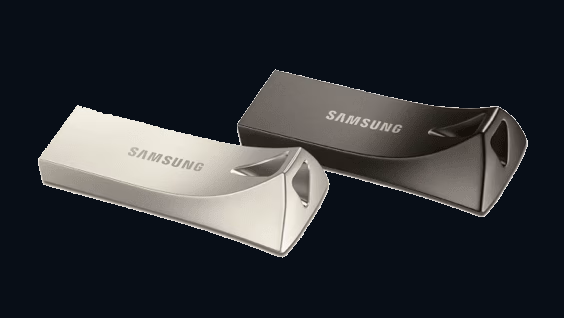
MUF-32BE (32GB)
MUF-64BE (64GB)
MUF-128BE (128GB)
MUF-256BE (256GB)
MUF-512BE (512GB)
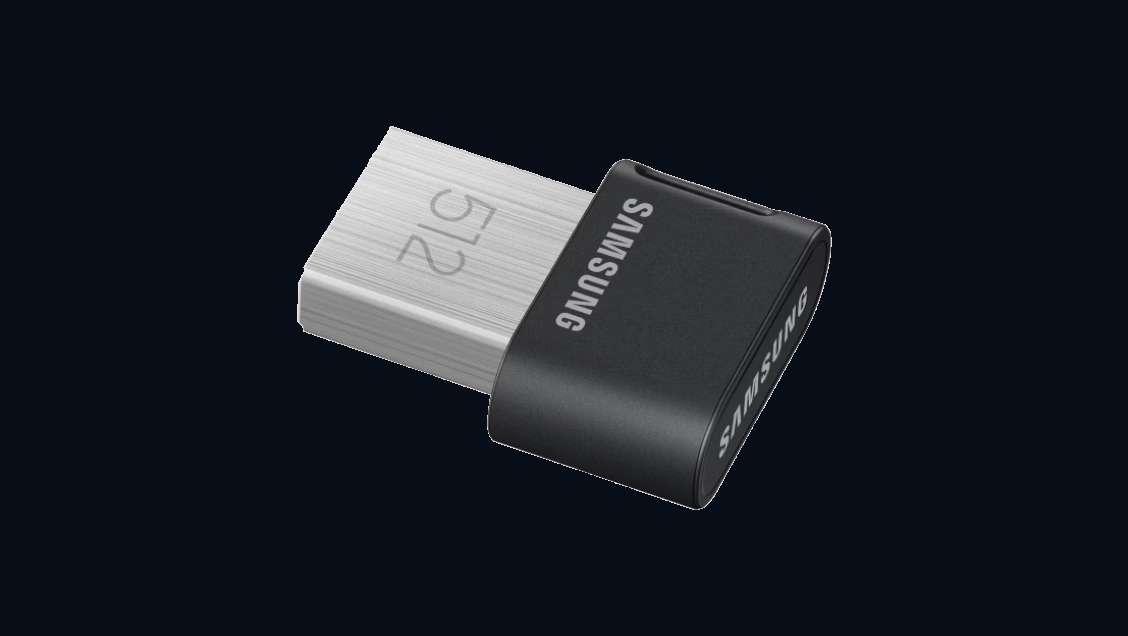
MUF-32AB (32GB)
MUF-64AB (64GB)
MUF-128AB (128GB)
MUF-256AB (256GB)
MUF-512AB (512GB)
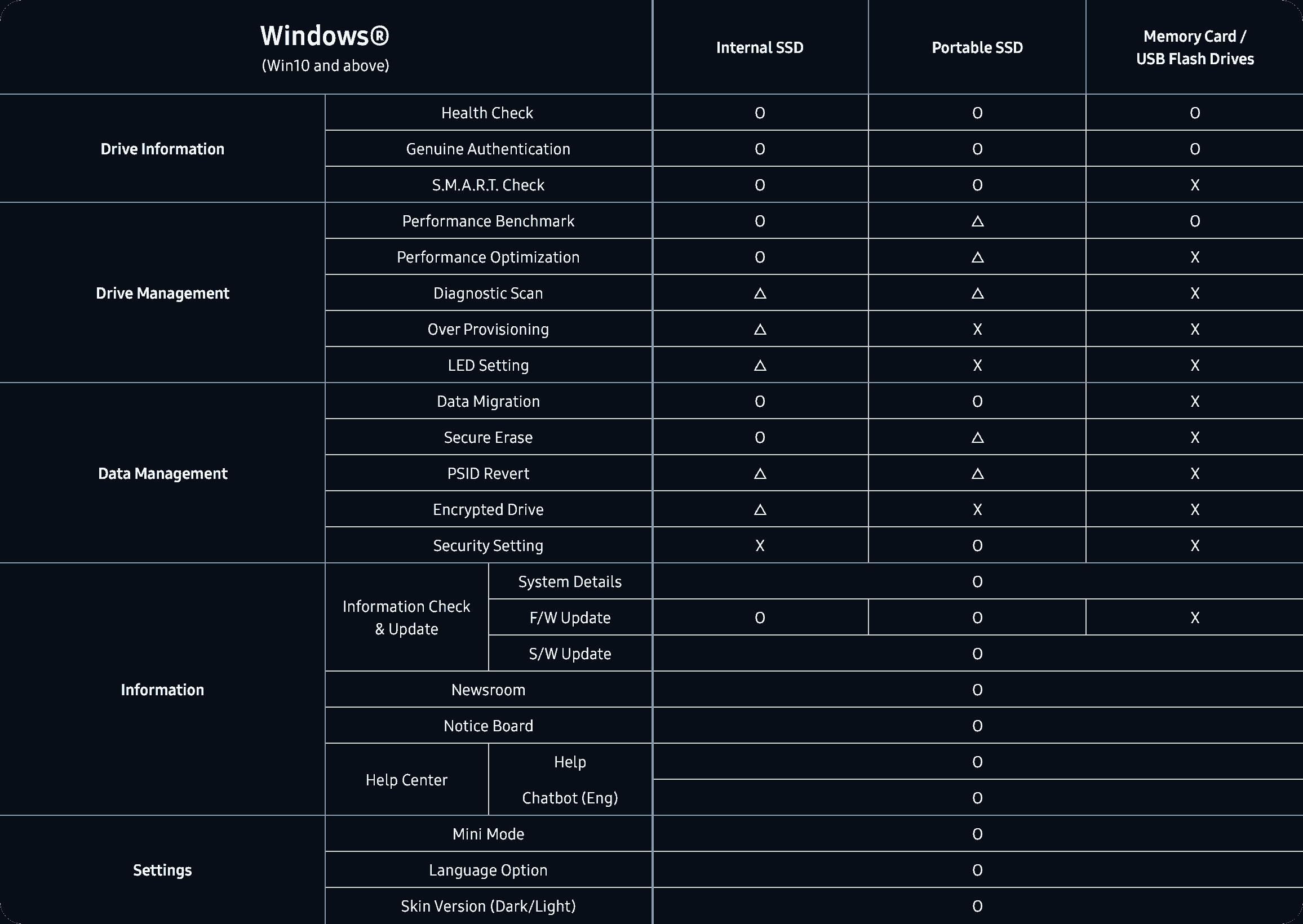
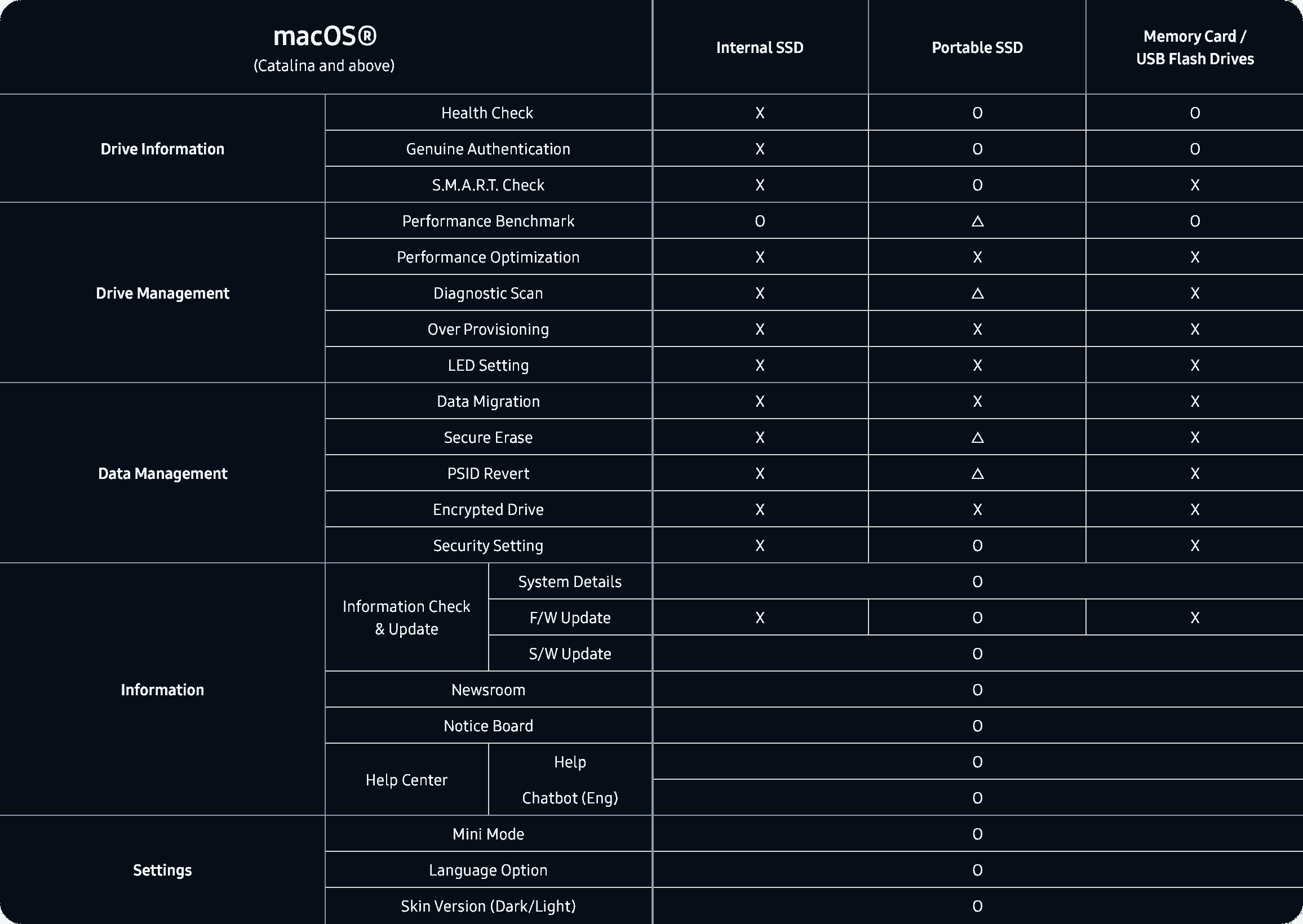
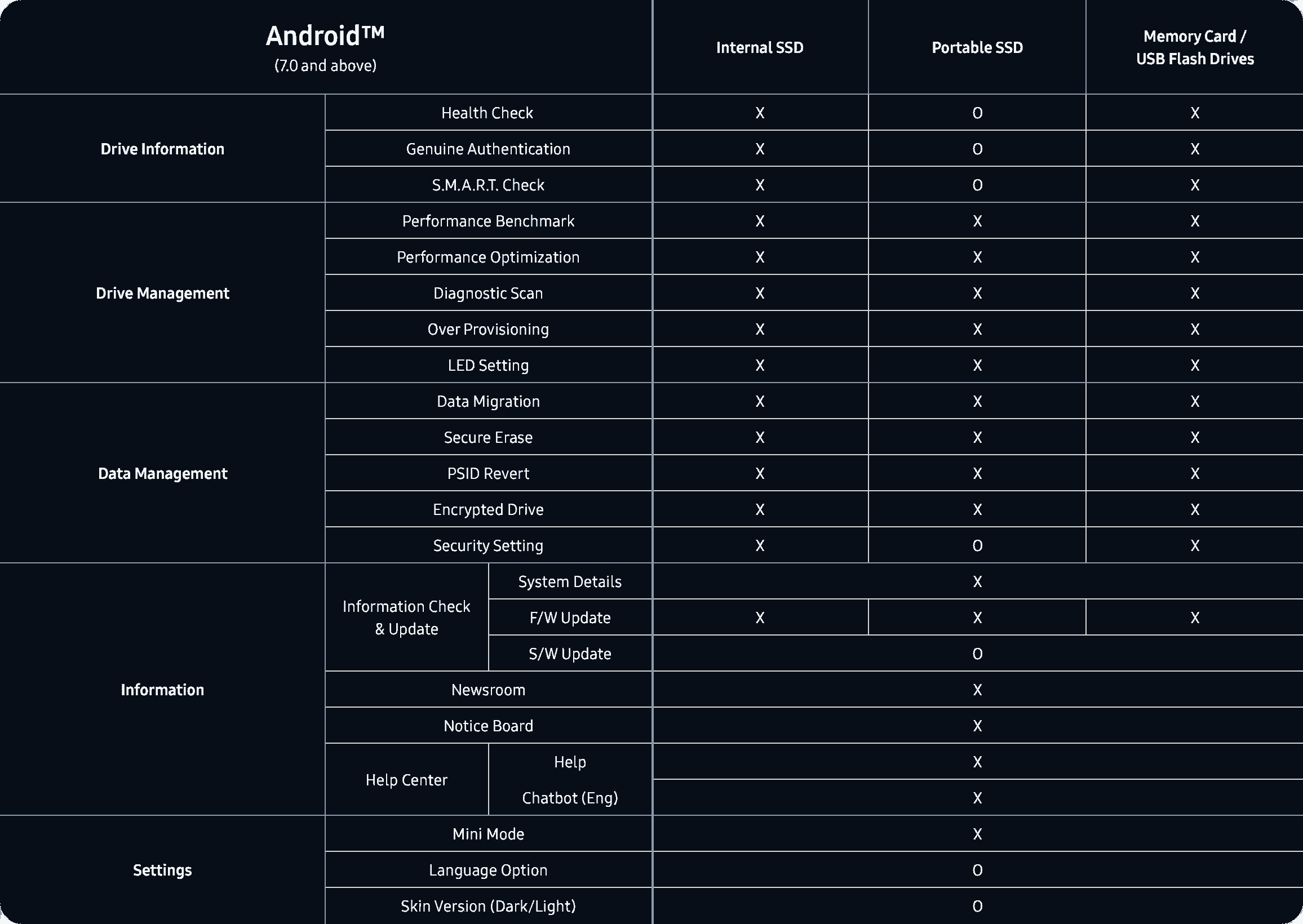
* 功能是否可用可能因软件语言版本而不同。O:全部型号支持。三角形:部分型号支持。X:不支持。
Samsung Magician helps owners manage Samsung internal SSDs, portable SSDs, memory cards, and USB flash drives, update firmware, and tune a drive for performance and reliability. Samsung distributes it only for owners of Samsung memory products. Features such as compatibility, benchmark, optimization, over provisioning, secure erase, and data security depend on the model. Non-Samsung SSDs and Samsung OEM drives that shipped inside a PC do not get the full set.
Samsung Magician 9.0 runs on Windows 10 (32-bit and 64-bit), macOS Catalina 10.15 and later, and Android 7.0 and later. Windows 8.1 and older should use Magician 7.3. Linux is not supported. 内置 SSD are not supported on macOS or Android.
Full support is for Samsung branded internal SSDs, portable SSDs, memory cards, and USB flash drives. Supported features may differ on Samsung OEM SSDs and on drives from other brands.
适用于 Windows 的 9.0
Samsung Magician is free drive software for a Samsung internal SSD, portable SSD, memory card, or USB flash drive. On Windows it reports health, runs a diagnostic scan, updates firmware, and can copy an existing system onto a new Samsung SSD.
免费专有许可。安装需要 600 MB。本站不托管 EXE。按钮打开三星半导体的工具页面。
硬盘未提供该 S.M.A.R.T. 属性时显示 N/A。
当所连接的三星硬盘报告该值时显示。
受支持的三星产品上的总写入字节数。
Samsung shows "Updated version is available" beside the firmware name when a newer one exists.
These are field names from Samsung Magician. The panel is not a reading from a disk in front of us, and it does not invent a percentage, a temperature, or a terabyte count.
Samsung Magician 9.0 is the company's own utility for Samsung memory products. The installation guide, revision 1.9 from December 2025, describes a new interface and customizable widgets. Samsung's product page says the same generation can authenticate a drive, read S.M.A.R.T. data, run a diagnostic scan, migrate a system, partition a disk, tune performance, and apply security tools. Which of those appear depends on the model.
Read the feature breakdown, including RAPID mode and PSID Revert
硬盘详情
Samsung groups these under drive information. They are the reason most people open the program after a new 990 PRO, 980, or portable T7 shows up in Windows.
Confirms the drive is a Samsung product. Samsung states that this check needs internet. If it fails, the FAQ says to check the connection, restart the PC, and contact an authorized Samsung service center if it still fails.
Reads the health attributes the drive exposes, including signs Samsung describes as early trouble. 硬盘健康 and total usage stay N/A when the attribute is missing or the disk is not a supported Samsung product.
A short or full test for functional errors. Short scan is NTFS only and Samsung asks for at least 5 GB free. A locked drive cannot be scanned. Full scan can crawl when Microsoft Defender real-time protection is on.
Samsung's FAQ describes Data Migration as the way to move the operating system, application software, and user data from the current HDD or SSD onto a new Samsung SSD. It is not a general disk cloner for any brand of target, and Samsung does not officially support it in a software RAID layout.
在数据迁移、固件更新、性能测试、Secure Erase 或 Diagnostic Scan 进行期间,请勿断开硬盘。Samsung 安装指南指出,异常中断可能会损坏数据。
来源
当前 HDD 或 SSD
The disk Windows is using now, mounted with a drive letter. Magician only lists lettered volumes.
目标
新的三星 SSD
Internal models on Windows. Refresh System Information after you attach a new drive or the list can stay stale.
复制内容
操作系统、应用、文件
Samsung's own description of the payload. Partition rules still apply: MBR or GPT only.
Performance Optimization can apply a mode such as Balanced. Samsung's product page also describes full power and power efficiency choices, and says the available modes change with the SSD. The feature uses the operating system's TRIM command and supports NTFS only.
Performance Benchmark measures read and write speed. Samsung says you can change the test volume and chunk size. Refresh the drive list before you test a disk you just plugged in. Results that miss the spec sheet have a separate checklist: port, PCIe lanes, heat, power plan, and other software.
RAPID mode, Real-time Accelerated Processing of I/O Data, is a narrower option. The install guide limits it to listed SATA SSDs, Windows 10 或更高, a 1 GHz CPU, 2 GB of RAM, 50 MB free, and NTFS.
| 优化 | NTFS. TRIM comes from Windows. IRST drivers can block write-cache changes. |
|---|---|
| Benchmark | Volume and chunk size are adjustable. Some removable disks and ASMedia controllers time out. |
| Over Provisioning | NTFS or raw space. Not Windows XP. Cluster misalignment can make it fail with free space left. |
| RAPID | Listed 840, 850, 860, 870, and 750 EVO or PRO SATA models. 50 MB free, 2 GB RAM. |
People comparing drive tools usually already know CrystalDiskInfo and the Optimize Drives app in Windows. This table stays with jobs Samsung documents for Magician, and with what those other two programs are actually for.
| 任务 | Samsung Magician | CrystalDiskInfo | Windows 优化驱动器 |
|---|---|---|---|
| Samsung SSD firmware update | Yes, from Samsung. The PC shuts down after a 20 second countdown. | No. It displays S.M.A.R.T. data. | 否。 |
| 硬盘健康 and TBW | Yes on supported Samsung products. N/A if the attribute is missing. | Shows the S.M.A.R.T. attributes the drive exposes, on many brands. | No health or TBW view. |
| Read and write benchmark | Yes, with volume and chunk size. That is separate from CrystalDiskMark. | No. CrystalDiskMark is a different program. | 否。 |
| Copy Windows onto a new Samsung SSD | Yes. Data Migration copies OS, apps, and files. | 否。 | 否。 |
| Secure erase and PSID Revert | Yes on models Samsung lists. PSID Revert deletes the drive. | 否。 | 否。 |
| TRIM | Performance Optimization uses the OS TRIM command on NTFS. | 否。 | Yes. This is the Windows trim tool. |
| Other brands of SSD | Limited. 固件, health, secure erase, and TBW are excluded. | S.M.A.R.T. read is the point of the program. | TRIM on volumes Windows supports. |
| 价格 | Free, proprietary, from Samsung. | 免费。 | Included with Windows. |
Samsung's product page. Uptodown records Windows build 9.0.1.950 on 1 April 2026.
Uptodown's size for 9.0.1.950 only. Do not treat it as the size of every later build.
Plus macOS 10.15 and Android 7.0. Linux is not supported. 内置 SSD need Windows.
This domain is an independent reference. It is not Samsung Electronics.
Uptodown's Windows listing showed a 1.0 score from 3 reviews and 171,124 downloads. That score belongs to Uptodown's page, not to this site. Both comments below are old and short. They are included because they are real, not because they praise the program.
"Win 11, it doesn't work."
"Since the update of Samsung Magician to version 7.1, the application no longer starts on each reboot of my computer running Win10. The message suggests reinstalling the application, which works."
The questions below are the ones people type before they install. The full set, including RAID, capacity math, and firmware backup, is on the FAQ page.
Yes. Samsung distributes Magician at no charge for owners of Samsung memory products. The license is proprietary. Uptodown's Windows listing also marks build 9.0.1.950 as free.
The Magician 9 installation guide requires Windows 10 或更高, which includes Windows 11. Samsung's FAQ names Windows 10 (32-bit and 64-bit) for version 9.0 and tells people on Windows 8.1 or older to use Magician 7.3. A 2023 Uptodown comment said Windows 11 did not work. That report predates the 9.0.1.950 build listed on 1 April 2026.
Full support is for Samsung branded internal SSDs, portable SSDs, memory cards, and USB flash drives. Samsung says firmware update, drive health, secure erase, and total bytes written are not supported on non-Samsung SSDs. Features can also differ on Samsung OEM drives that shipped inside a PC.
No. Samsung says Magician runs without internet. An internet connection is required to authenticate a drive as a Samsung product and is recommended for firmware, feature module, and application updates.
This site does not host the installer. 下载 Windows 版 opens Samsung Semiconductor's tools page, where Samsung publishes Magician.
Use the tools page to download Magician for Windows. Confirm the build number there. Community posts in September 2026 mention a 9.0.2 update, while Uptodown's file record is still 9.0.1.950.